Documentation Index

Fetch the complete documentation index at: https://docs.databar.ai/llms.txt

Use this file to discover all available pages before exploring further.

The workspace settings page consolidates all personal and workspace-level configuration into a single full-screen interface. Here you can manage API keys, configure alerts, adjust team settings, and control developer options.
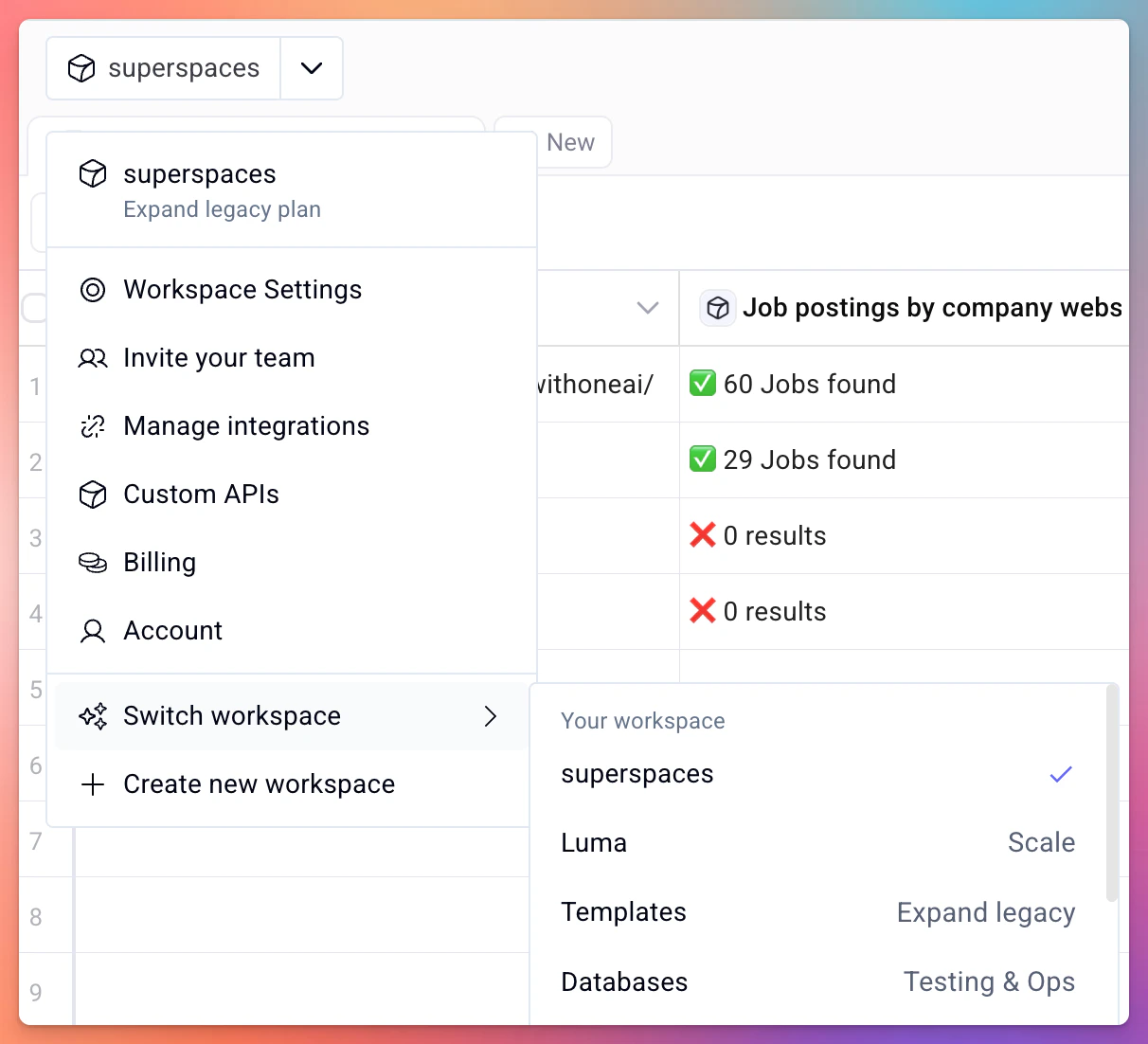
Workspace settings page showing available configuration sections

Accessing settings

Click your workspace name or avatar in the sidebar, then select Settings. The workspace switcher has an enlarged click target for easier navigation between workspaces.

Finding your API key

Your API key is located on the Integrations page within workspace settings.
1

Open workspace settings

Click your workspace name in the sidebar and select Settings.
2

Navigate to Integrations

Select the Integrations tab from the settings menu.
3

Copy your API key

Your API key is displayed here. Click the copy button to add it to your clipboard.
Treat your API key like a password. Do not share it publicly or commit it to version control. If you believe your key has been compromised, regenerate it immediately from this page.

Workspace switcher

If you belong to multiple workspaces, use the workspace switcher in the sidebar to move between them. The switcher shows all workspaces you have access to and highlights the currently active one.

Low credit alerts

Configure an email notification that fires when your credit balance drops below a threshold you define. This helps avoid interruptions to running enrichments.
  • Navigate to the Billing or Usage section in settings.
  • Set your desired credit threshold.
  • Save to activate the alert.
See Credits and billing for more details on how credits work.
Low credit alerts are disabled by default and only notify the workspace owner.

Team and collaboration

If your plan supports multiple seats, you can invite team members from the settings page. Team members share the workspace’s tables, folders, and credit balance.

Developer settings

For advanced use cases, workspace settings also includes:
  • CORS configuration — control which origins can make requests to the Databar API on your behalf.
  • Webhook URLs — view and manage webhook endpoints attached to your tables.
For full developer documentation, see the API reference.

Credits and billing

Understand credit costs and purchase add-ons

API introduction

Get started with the Databar REST API